
The find command is a great tool to use whenever you are on a webpage and are looking for certain text for a class but you don’t want to have to read through it all. Its a neat tool that will search the word typed in the search box for you making it easier.
step 1: Open a webpage could be any like so.

step 2: Press control+f to bring up the search command. It should look something similar to this image below in the top right corner.

step 3: Search the specific text you are looking to find. For my example I will use the word “love”.

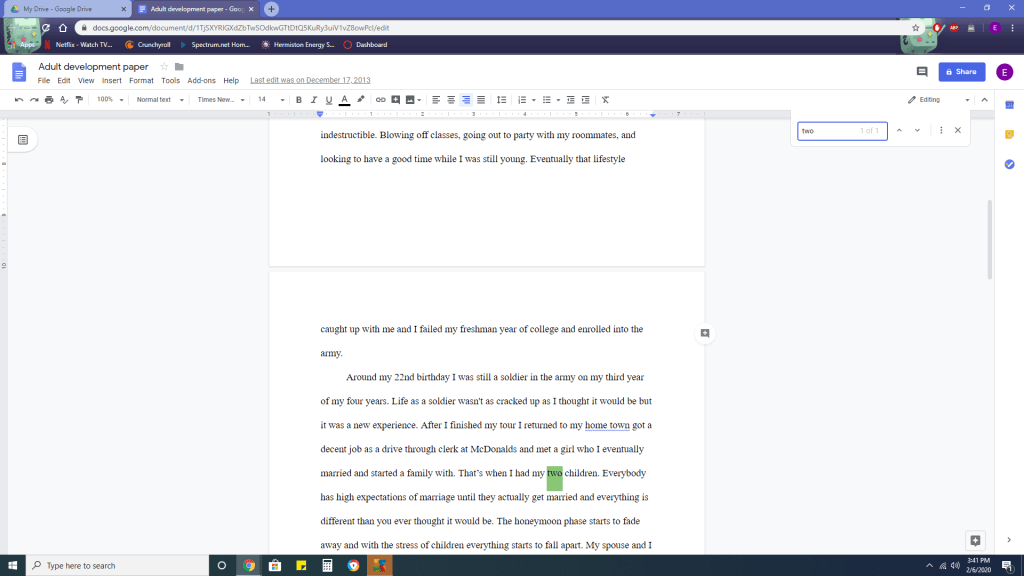
As you can see the search command will find those words and point them out to you to make your search easier. This also works on any Microsoft word application as well if you are trying to type a paper or essay for a presentation. Like below.
 Corrupted_C.E.O